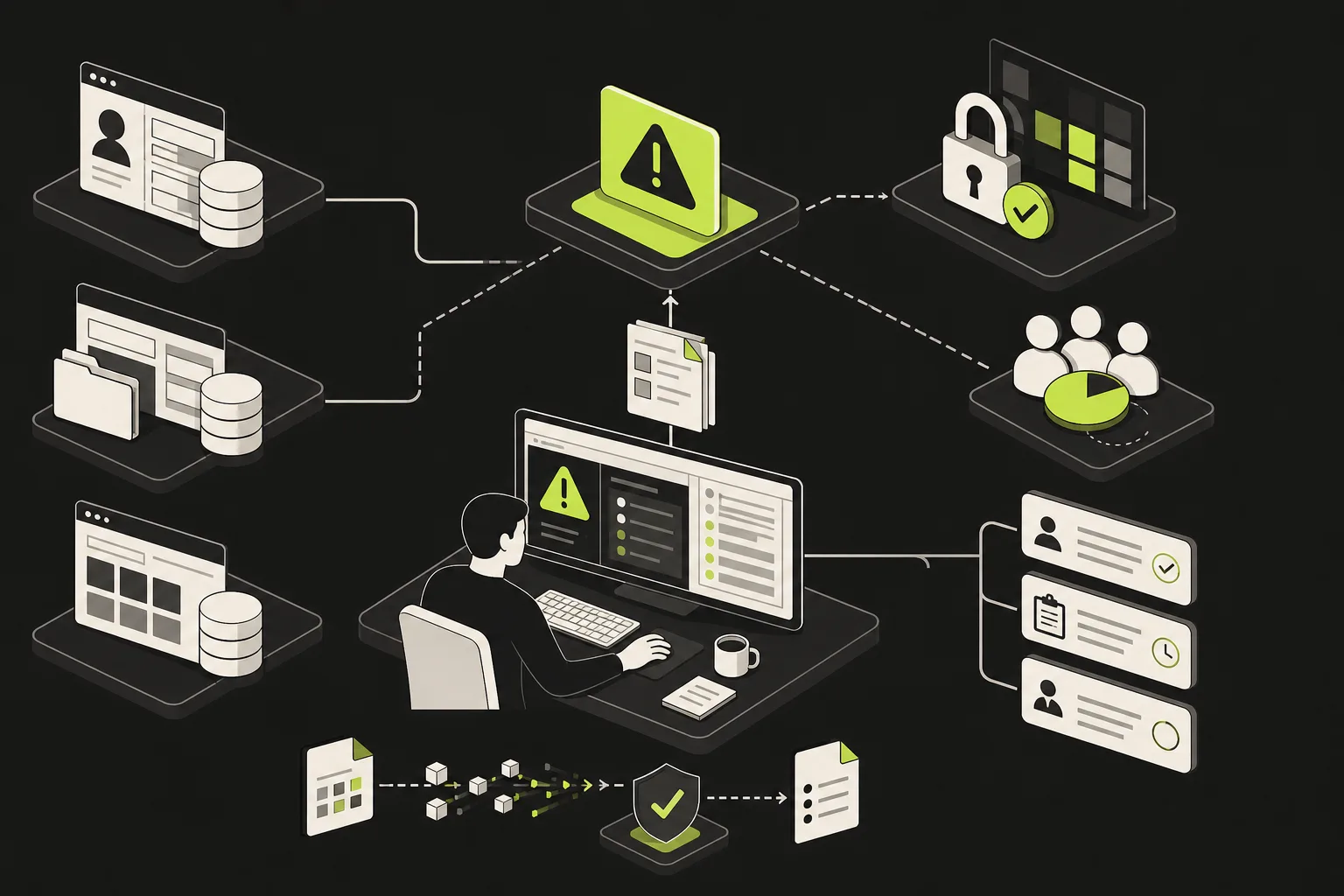
Lending operations / GUIDE + WORKSHEET
Approve AI tools before they handle mortgage files
Use a lender AI intake worksheet to screen borrower data, vendor terms, system connections, human review, and stop conditions before a pilot.
THE STARTING POINT
Approve one AI task at a time before staff put mortgage borrower data into a tool. Record the data allowed, vendor and model, retention and training terms, connected systems, user access, human reviewer, output destination, and stop condition. A September 28, 2026 survey of 31 lenders and servicers found that more than one-quarter reported employees using AI outside company-approved tools. Start with internal assistance such as summarization; keep credit, pricing, notices, and external contact under human control.
Name the task and the data first
A mortgage lender should define one specific AI job and the borrower information it may see before selecting a tool. Separate public material, internal procedures, de-identified examples, and live borrower files. If the team cannot say which fields or documents may enter the workflow, keep the pilot on synthetic or approved non-customer data until the boundary is clear.
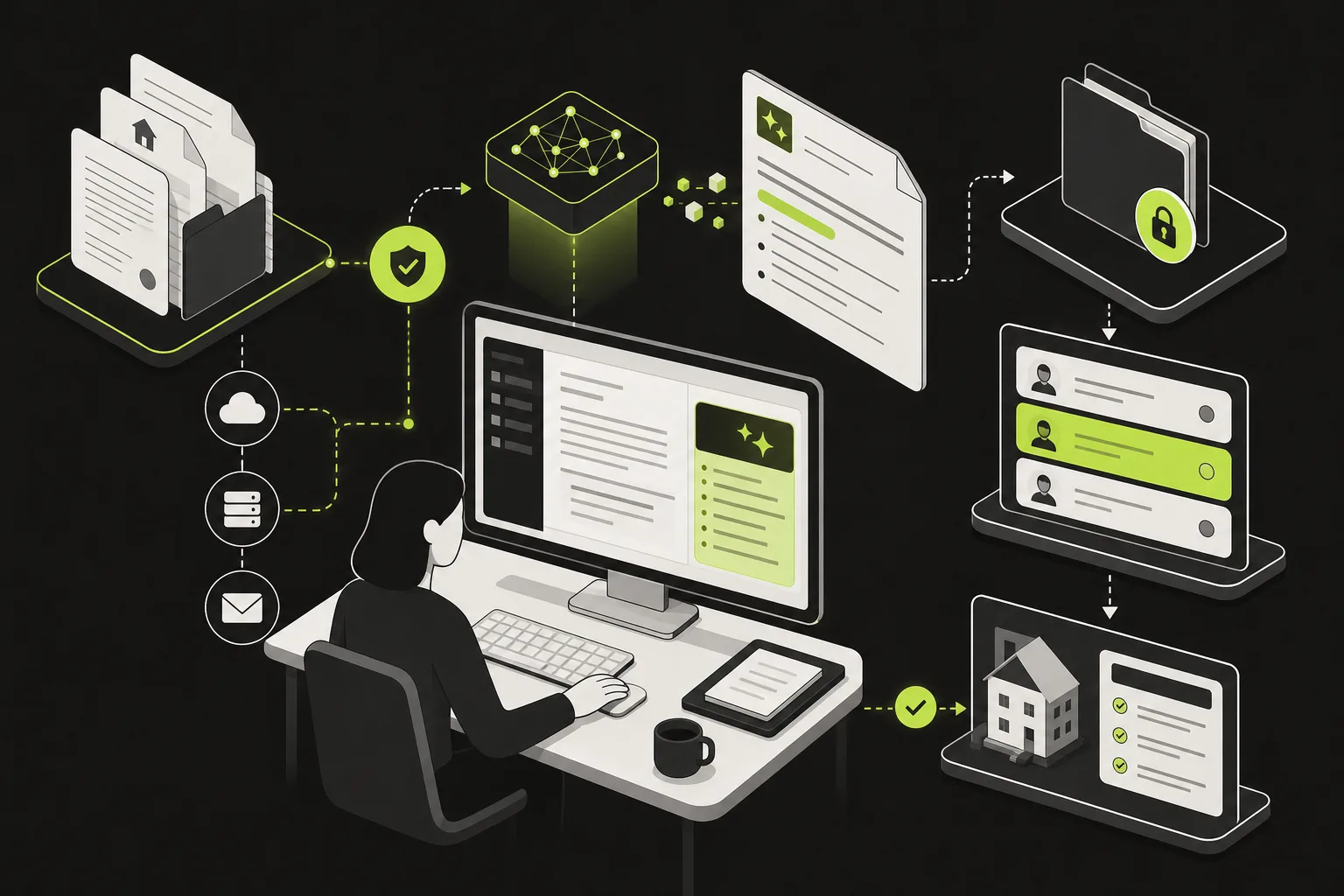
- Approved sourceSpecific document types and access owner
- AI workspaceVendor, model, retention terms, and allowed users
- Review queueProcessor checks source and output before use
- LOS or CRMApproved result is entered with a traceable source
Check the vendor boundary before a pilot
A lender's AI review should ask where prompts and uploads are stored, how long they remain, whether they train a model, who can access them, how deletion works, which subprocessors are involved, and how a security incident is reported. For financial institutions covered by the FTC Safeguards Rule, the rule includes service-provider oversight; a vendor's security statement does not replace the lender's review.
Ad hoc use
- Staff choose personal or public accounts
- Data retention and model use are unknown
- No reviewer or incident owner is assigned
Reviewed use
- Allowed task and data are listed
- Retention, access, and deletion are checked
- A reviewer and stop path are named
Put the person before the business action
A processor can use AI to suggest a document label or draft an internal file summary, but an authorized employee should compare the output with the source before changing the loan record. Keep approval, pricing, adverse-action reasons, and borrower communications with the lender's designated people and approved systems. If a model cannot show its source or returns an uncertain result, send the item to manual review.
- 1Receive approved fileConfirm the file type and allowed fields.Secure intake
- 2Draft a summaryAI returns a suggestion with source references.Approved AI tool
- 3Check sourceProcessor confirms or rejects each material detail.Human review
- 4Update the recordOnly accepted information moves to the loan file.LOS or CRM
Log the pilot and give staff a stop button
A lender's AI workflow log should identify the tool and model version, approved use, data category, output, reviewer, correction, destination, and date. Measure errors and review time against a simple manual baseline before expanding access. Stop the pilot if vendor terms change, a result cannot be traced to its source, unexpected borrower data appears, or staff cannot route an exception to a named owner.
- Approved task
- On track: Draft internal document summary
- Input
- Specified income documents only
- Reviewer
- Assigned processor
- Output use
- No automatic LOS write or borrower message
- Pilot state
- Needs attention: Review required after vendor change
WORKED EXAMPLE / ILLUSTRATIVE
A fictional mortgage AI review table
The examples are fictional and show how the task, data boundary, review point, and decision stay separate.
| Fictional task | Data and control | Pilot decision |
|---|---|---|
| Summarize an internal procedure | Public procedure text; employee checks output | Allow a limited pilot |
| Classify an uploaded condition | Borrower document; processor checks source | Review vendor retention before pilot |
| Draft an adverse-action reason | Credit decision data; approved reason process required | Do not route through this AI task |
| Send a borrower message | Live file and contact details; staff approval required | Keep sending under a human workflow |
MAKE IT USEFUL
Mortgage AI workflow review
Complete one review for each task, data source, and vendor combination before staff access is granted.
Your notes stay in this page and are not sent to Smithers. Download or copy them before leaving; refreshing clears them.
Before you put it to work
- Start with one low-risk task and a manual baseline.
- Get written answers on retention, model training, access, deletion, and incident notice.
- Limit the pilot to approved users and data types.
- Require a reviewer to verify outputs against their original source.
- Test uncertain outputs, wrong files, and vendor changes before expanding.
The FTC Safeguards Rule applies to financial institutions within FTC jurisdiction, and other privacy, security, and credit rules may also matter. A reviewed workflow does not make a vendor or lender compliant, and model output is not a credit decision. This is general information, not legal advice. Confirm requirements with your compliance counsel.
Source notes
These references support the specific product or technical points discussed above. Checked October 12, 2026.
IF THIS LOOKS FAMILIAR
Your tools. Your particular mess.
The worksheet is yours to use. If the difficult part is making it work with the systems you already have, that's the kind of thing we help with.
See the industry context